

Sublisplash® Driver, printer driver, to support printers with Sublisplash® and Sublisplash® EPN+ inks
Prices are only visible after registration.
Free shipping
Colour management is the biggest source of errors in sublimation printing: embedding an ICC profile, selecting the rendering intent, disabling colour management in the printer driver – and repeating all of this in every application. One incorrect setting, and the print is wasted, along with the mug and paper.
The Sublisplash® Driver takes care of this entire process for you. Simply select the profile for your substrate when printing and print. The colours come out right without you having to adjust any settings.
Print from anything that can print
Word, browsers, PDF readers, image viewers: if the application has a print function, the driver works with it. You no longer need graphics software just to print a design correctly onto paper. You can even print by right-clicking directly on the file.
Hotfolder: drop in a file and printing starts
Place the file in a monitored folder – printing starts automatically, including for PDFs. That's the difference between “starting each job individually” and “letting jobs run automatically”, especially when several people are contributing.
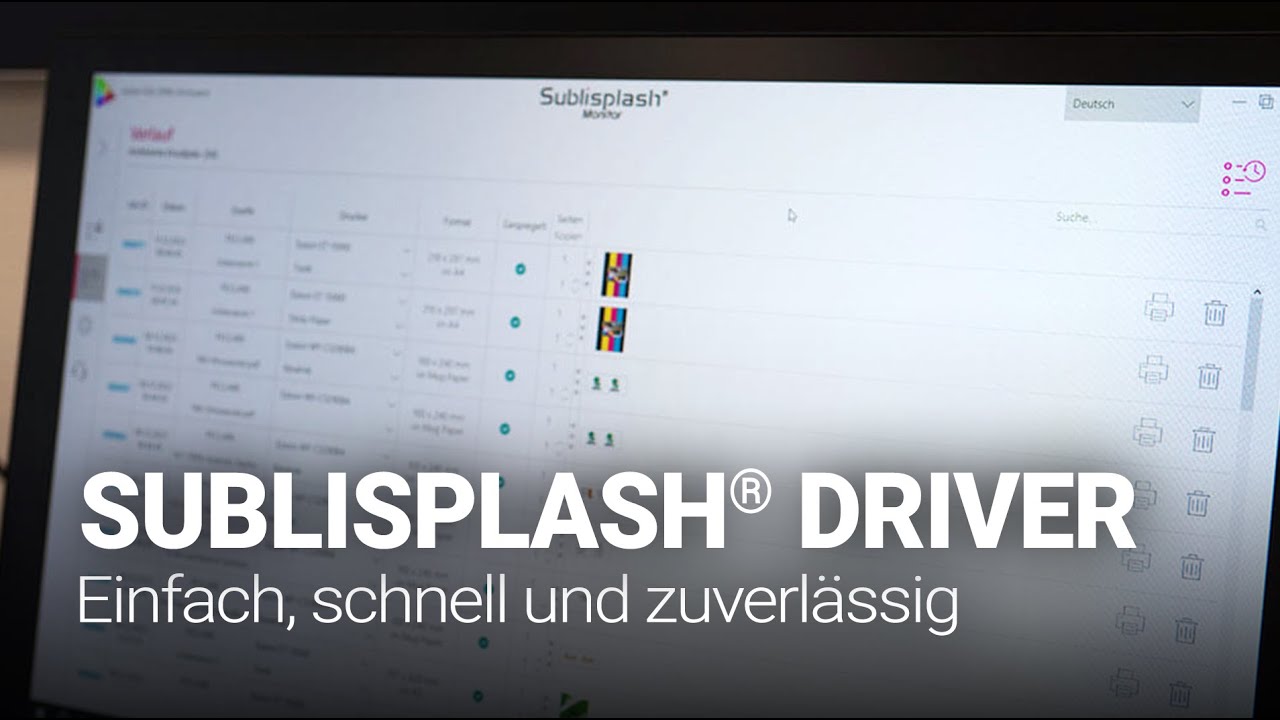
Job archive with real-time search
Every print job is automatically archived. A repeat order from eight months ago can be found in seconds and printed again with a single click – using exactly the same settings as the first time. No searching through folder structures, no asking the customer which file it was.
Preset for your substrates
Multiple colour profiles per printer, tailored to the respective material. Plus an interactive consumption calculator that shows the ink costs for each print – providing the basis for accurate costing rather than an estimate.
Try before you buy
The demo version has no time limit and offers the full range of functions – only a watermark is placed over the printed design, and the consumption calculator uses fictitious values. If you like it, you can unlock the full version with your licence key. No reinstallation, no data loss.
You will receive the licence key by email after purchase. During installation, the software generates an activation code. Enter it and you're done.
At a glance
- For Windows version 8 or later, 64-bit · 8 GB RAM · 8 GB storage space
- Interface and documentation in German, English and French
- Single-user perpetual licence, updates included
- Support from our own technical department
- Supports current Epson and Ricoh sublimation printers
| Operating system: | Windows-User |
|---|